Boost
Boost v1.2.0 Update
To provide you with a better experience, a new Community translation feature has been added.
Now you can share roasting profiles with roasters around the world, share skills, and discover new approaches without language barriers!
Release Version : v1.2.0
Update Details
1. Community Translation Feature Added
A new feature has been introduced that allows you to instantly translate posts and comments in the Boost Community into your language. You can now read and communicate the know-how of overseas roasters without any hassle, whether it's a short update or a lengthy, in-depth post.
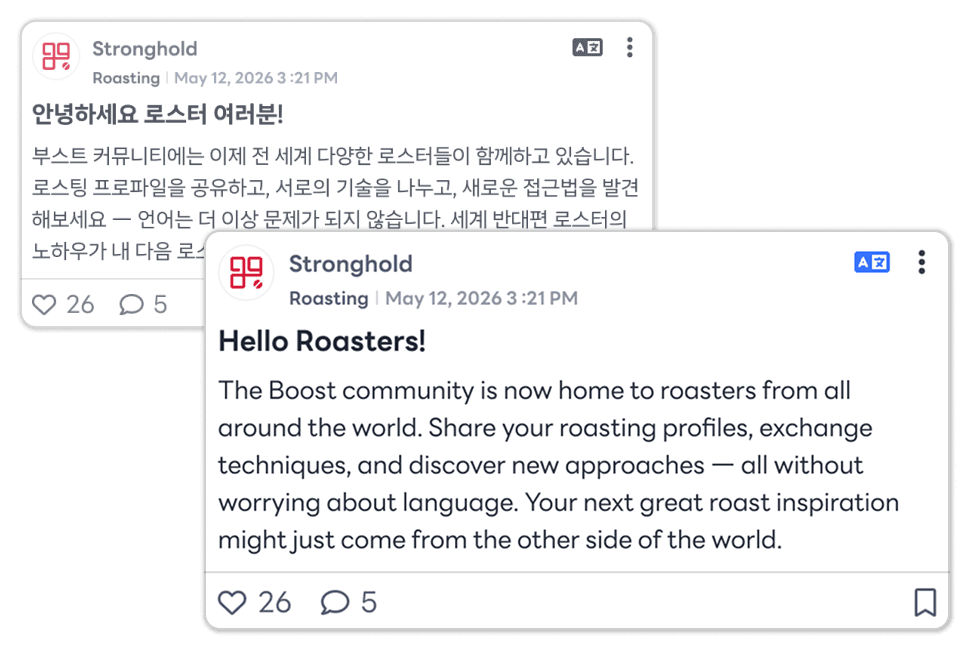
Click the newly added translation button in the top right corner of the post!
The original text is hidden and immediately replaced with the translated text, and you can translate any post in the Community!
You can return to the original text at any time by clicking the button again.
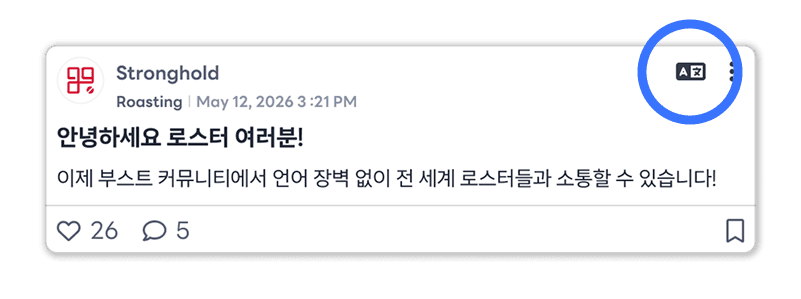
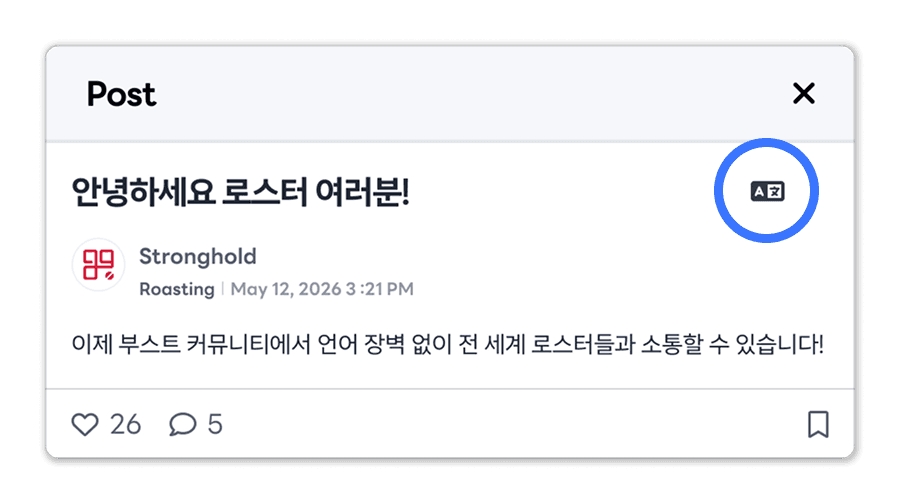
Location of Translation Buttons by Screen
Community Main Screen - Top right corner of each post
Post Details Screen - Top right corner of the post pop-up (next to the title)
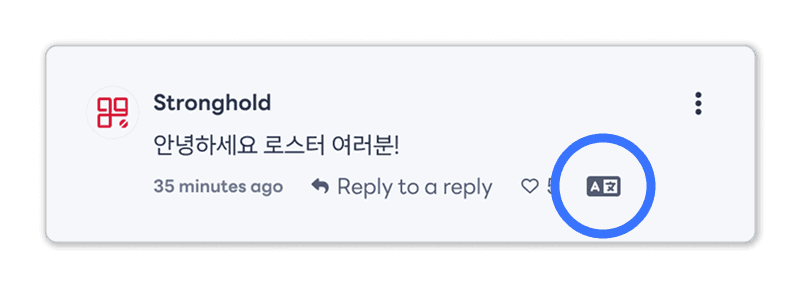
Comments - Bottom right corner (next to the like button)
💡 Note
All translations are processed based on the language you set in Boost. (Independent of browser settings)
Depending on the length of the original text, it may take some time to complete the translation and display it on the screen.